
Save the document to the Raiser's Edge record
Once you validate the profile fields, you can save the acquired document to add it to an Raiser's Edge record.
The following video covers how to save an acquired document:
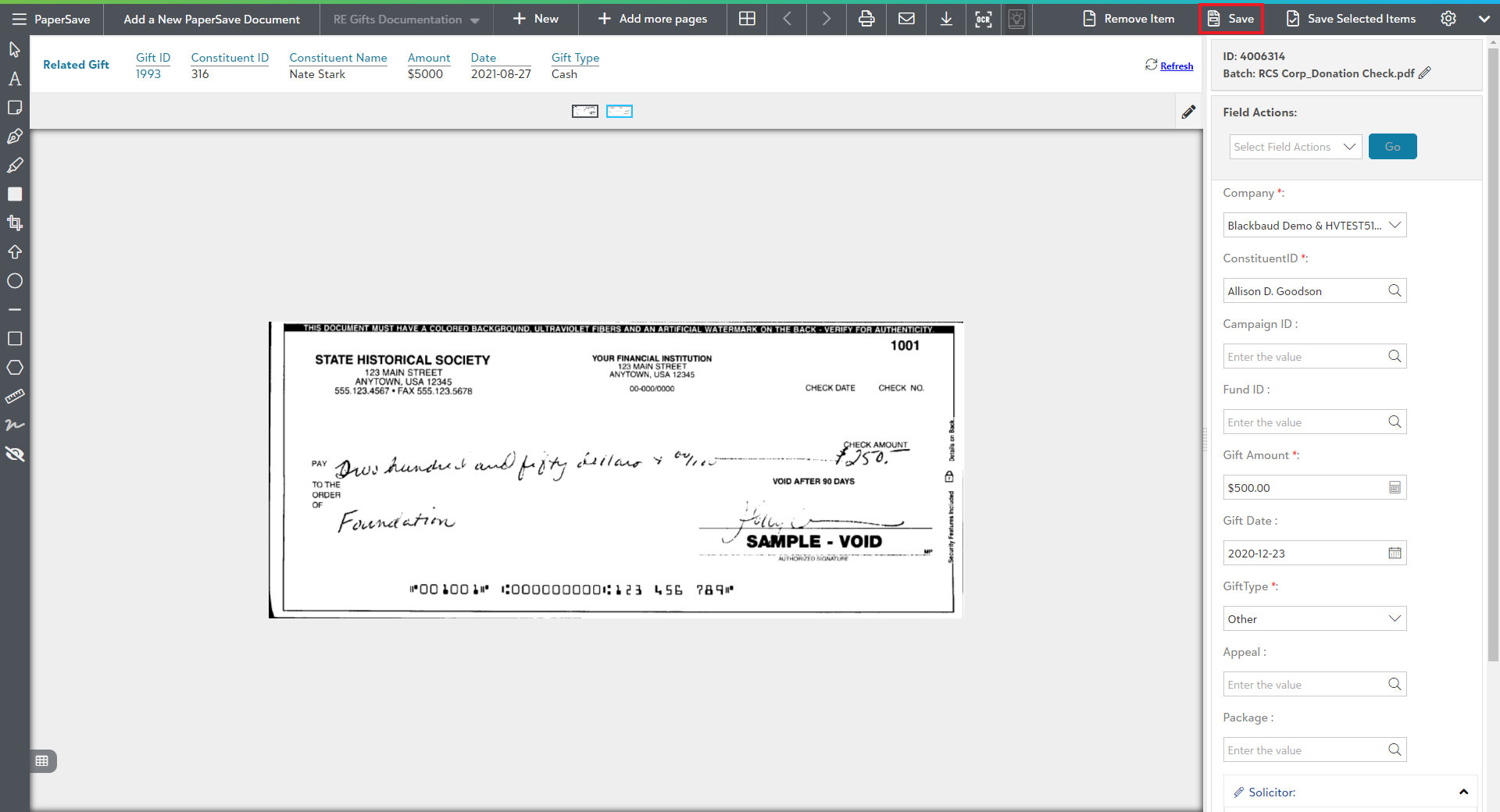
- Click on the Save option in the top-level toolbar of the item viewer as shown below:
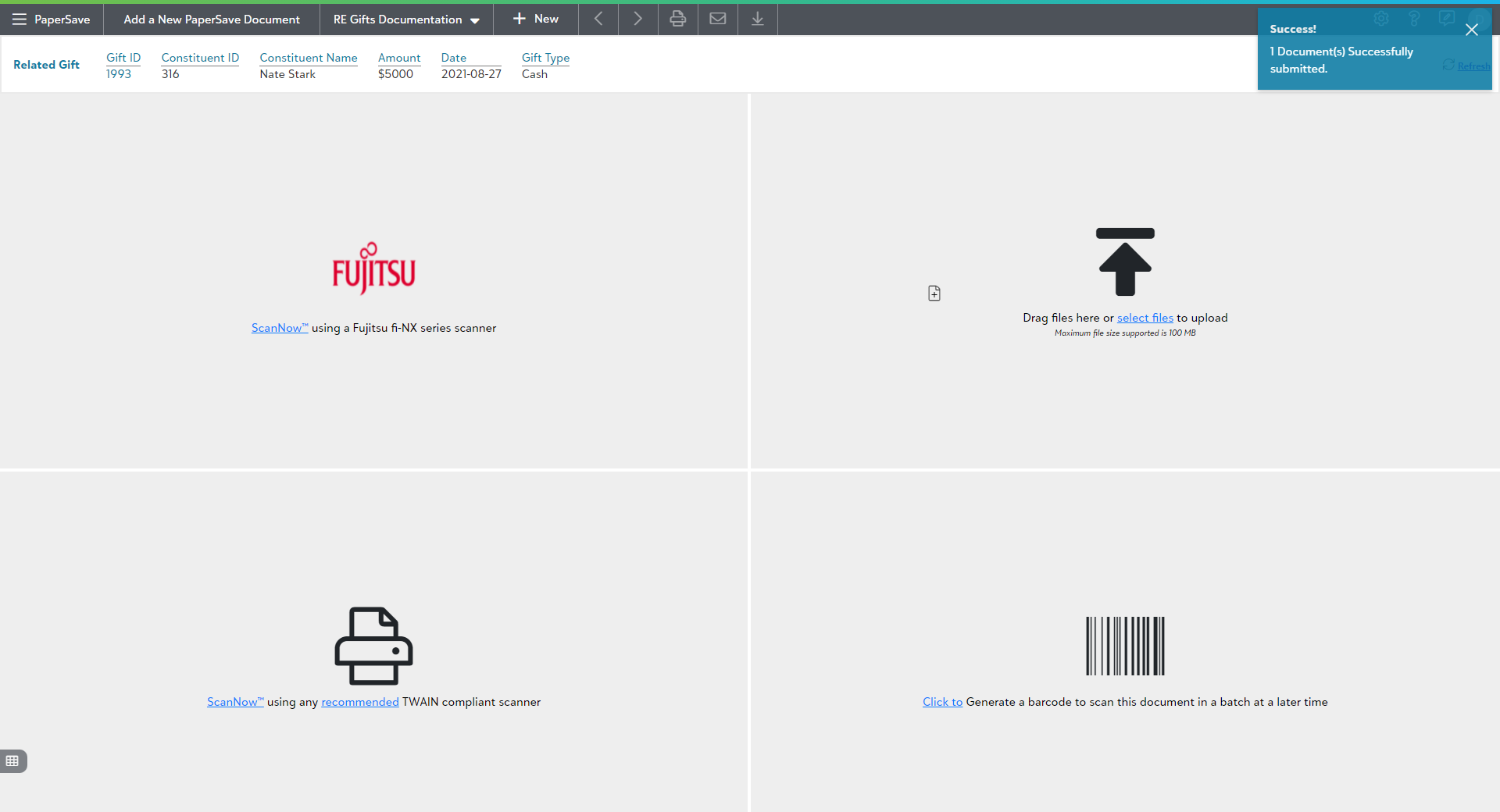
You will see a toast notification in the top-right corner of the screen showing the submission success. Similarly, it will display a failure notification in case of the submission failure.
You can view the newly added document using the Show Document options from the Raiser's Edge's Records and Batch section.